
Learn first
Learn the desk before you size up
Use this guide to learn the ticket, the chart and the wallet before you commit size. Registration opens the web platform. Live orders use the USD balance you have funded, so start with a size you understand.


01 — Learn first
Learn the layout
Find the wallet, the symbol search, the chart and the ticket. Those four pieces are the whole workflow.
Open account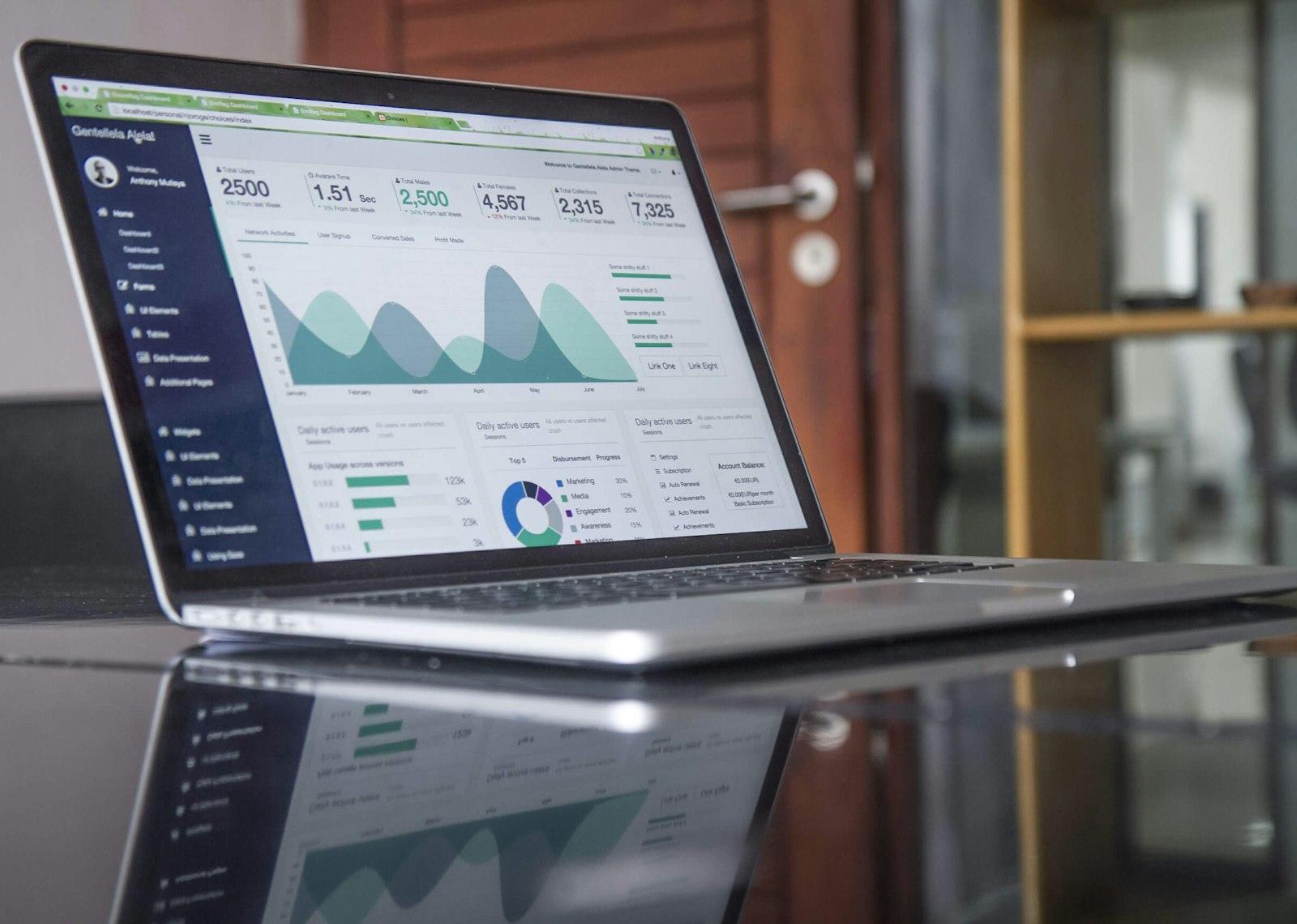
02 — Learn first
Read a quote
The spread is the gap between buy and sell. A wide spread costs more to enter and exit.
Open account
03 — Learn first
Size from margin
The ticket shows how much margin the order needs. If that number surprises you, reduce the size.
Open account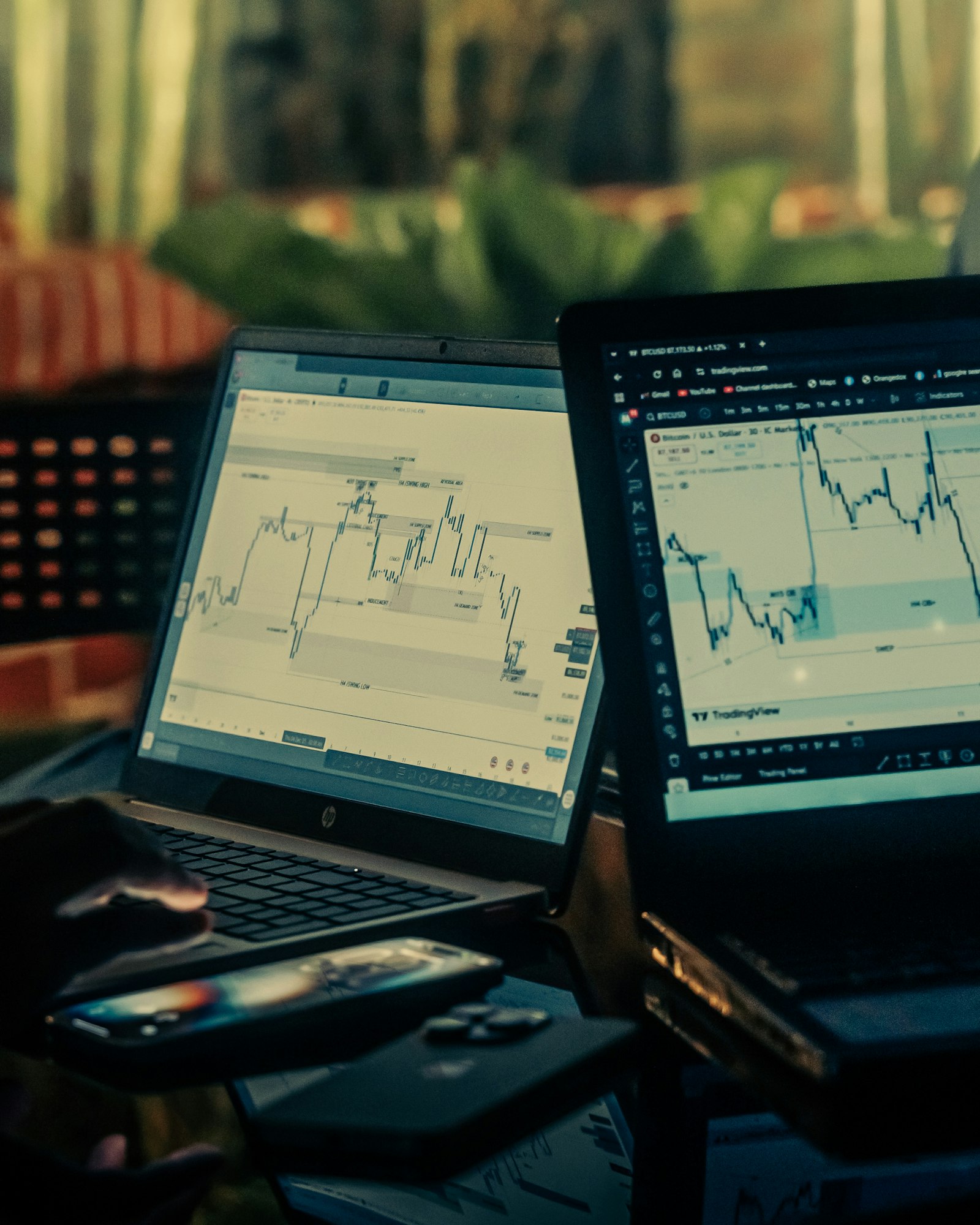
04 — Learn first
Then fund
When the path is familiar, deposit into the USD wallet. Trading starts from that balance.
Open account- Steps to first login
- 3
- Live balances
- USD
- Read before you click
- Chart
- Plan the exit
- Stop
A first watchlist
Six liquid markets to learn the quote, the spread and the session.
Loading quotes
Loading the latest prices…
Learn the layout
Find the wallet, the symbol search, the chart and the ticket. Those four pieces are the whole workflow.
Read a quote
The spread is the gap between buy and sell. A wide spread costs more to enter and exit.
Size from margin
The ticket shows how much margin the order needs. If that number surprises you, reduce the size.
Then fund
When the path is familiar, deposit into the USD wallet. Trading starts from that balance.
What to practise
A first session should answer practical questions, not chase a result.
- How to search EURUSD, a share, and an index.
- Where the buy and sell prices sit on the ticket.
- How an open position shows profit, loss and margin.
- How to close the position in full.
What this is not
A walkthrough does not remove market risk. Once an order is live, the position moves with the price.
- Past charts do not predict the next move.
- Leverage magnifies both gains and losses.
- Stops are not guaranteed if the market gaps.
- Only fund money you can afford to lose.
How to get started
01
Register
Create the account and confirm your email. That is the door into the web platform.
02
Tour one symbol
Open a major market, read the quote, and note the margin at a small size.
03
Fund only when ready
Deposit in USD after you know how an order is opened and closed.
FAQ
Is there a separate demo login?
You use the same registration and login as a live account. Orders on the desk use your funded USD balance.
Can I look at markets first?
Yes. The market pages on this site explain each class. Quotes and tickets open after sign-in.
What should I trade first?
A liquid major, such as a heavily traded FX pair or a large index, is easier to read than a thin name.