
Platforms
Where you actually trade
The platform is the website after you sign in. Charts, watchlists, the order ticket, the USD wallet and the product menus live there. You do not buy a separate terminal licence from this page. Security is the same login, with an optional authenticator.

01 — Platforms
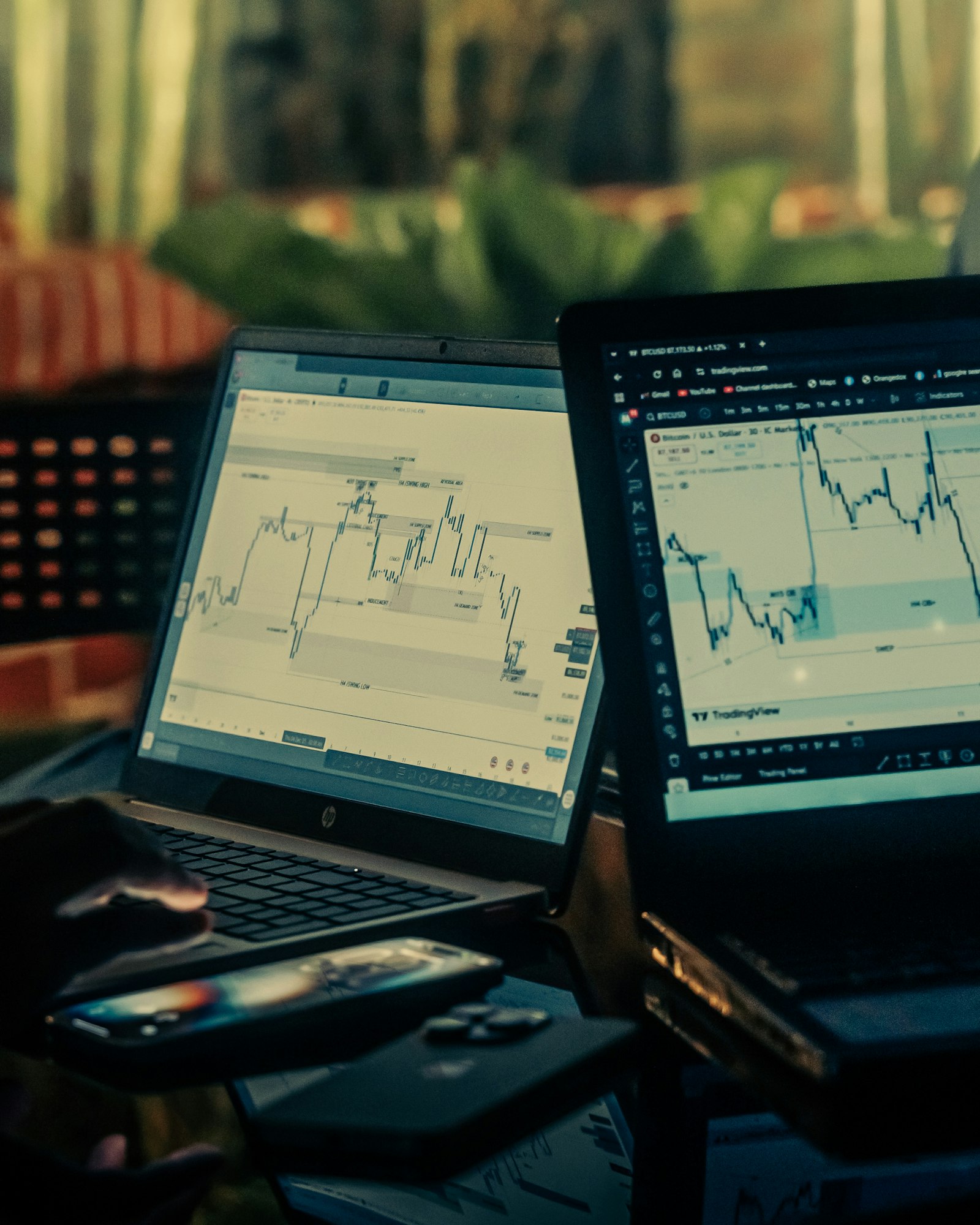
Web desk
Search a symbol, open the chart, send the order, and see the position. That loop is the platform.
Web trading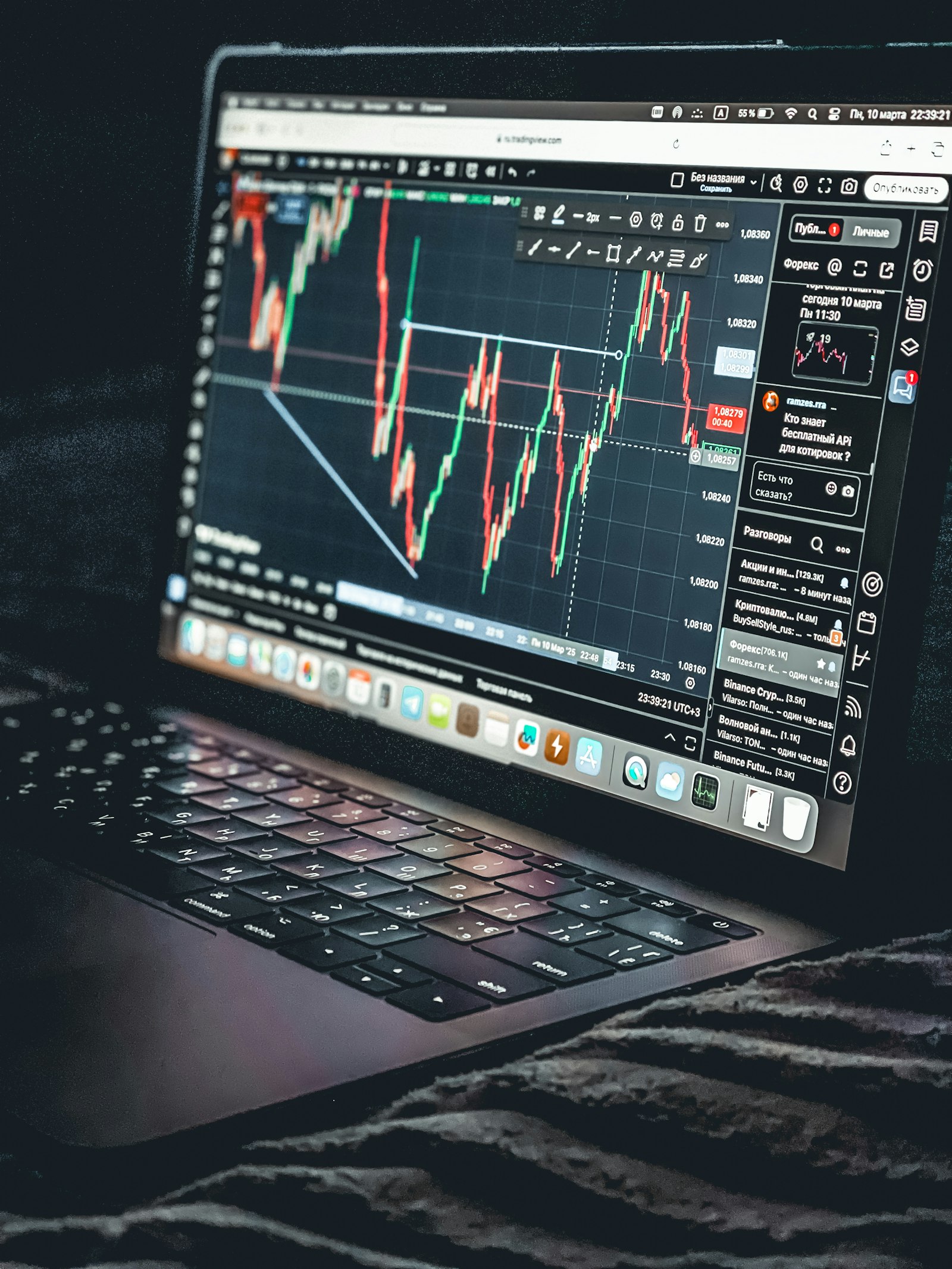
02 — Platforms
Wallet beside it
Deposits, plan allocations and trading margin are visible in the same account, in USD.
Web trading
03 — Platforms
Language and currency display
You can read the site in another language and show amounts in another currency. The ledger stays English-sourced USD.
Web trading
04 — Platforms
Session security
Confirm email at signup. Add an authenticator if you want a code as well as a password.
Web trading- No install required
- Web
- Desk and wallet
- One login
- Optional authenticator
- 2FA
- Balances
- USD
What the browser loads
A mixed board the web desk can chart without a separate terminal.
Loading quotes
Loading the latest prices…
Web desk
Search a symbol, open the chart, send the order, and see the position. That loop is the platform.
Wallet beside it
Deposits, plan allocations and trading margin are visible in the same account, in USD.
Language and currency display
You can read the site in another language and show amounts in another currency. The ledger stays English-sourced USD.
Session security
Confirm email at signup. Add an authenticator if you want a code as well as a password.
What you use day to day
Stay on the tools that match the job.
- Markets and the ticket for CFDs.
- Watchlists for the symbols you repeat.
- Wallet history when a figure looks wrong.
- Product pages for plans, copy, staking and account services.
Looking after the login
The platform is only as private as the password.
- Use a unique password.
- Do not share the authenticator seed.
- Sign out on a machine you do not own.
- Reset the password from the login page if a code looks wrong. Support will not ask you to read a password aloud.
How to get started
01
Create the login
Register and confirm the email. That creates the platform user.
02
Optional second step
Turn on an authenticator from security settings after you are in.
03
Open a symbol
The rest of the platform is the market pages you have already read, made live.
FAQ
Is there a download?
The supported desk is the web platform in your browser.
Can I stay signed in?
Sessions expire. That is intentional. Sign in again rather than leaving a trading account open on a shared computer.
Does the phone app differ?
Use the site in the mobile browser. Layout adapts. The account, the wallet and the orders are the same.